In short
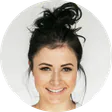
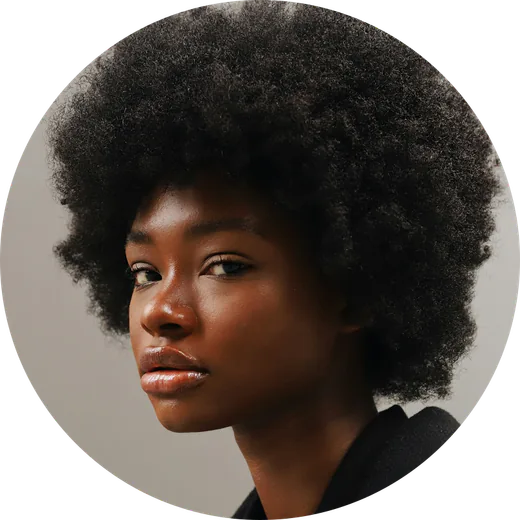
Select the picture, click the arrow beside Crop, choose Shapes and the Oval, then crop the picture until its box is square. Slides can't save that one picture as a file: File → Download exports the whole slide.
Need the circle as a file?
Make a transparent PNG here, then insert it into your slide.
Choose a photoHow to make a circle in Google Slides
Insert and select the picture
Use Insert → Image to add your photo, then click it once so its blue handles show.
Mask it with an oval
Click the small arrow beside the Crop button in the toolbar. Its tooltip says Mask image. Open Shapes and pick the Oval.
Make the oval a circle
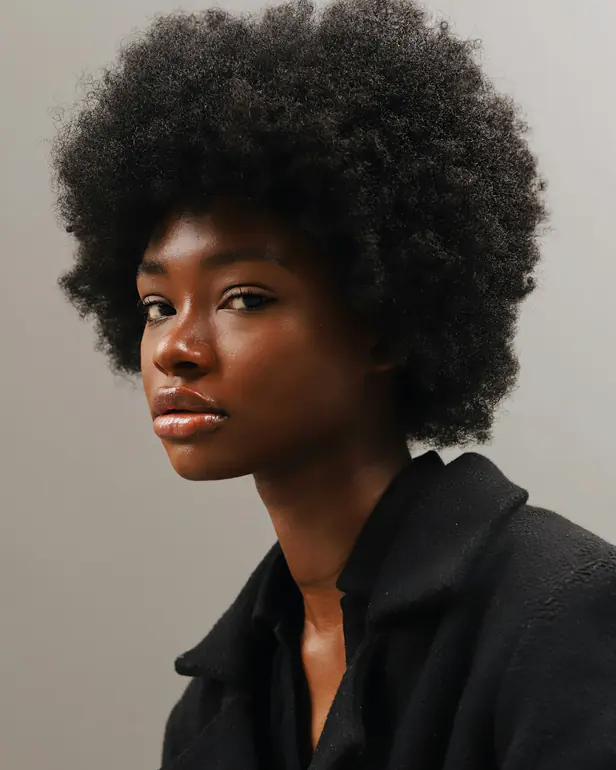
The oval fills the picture's box, so a tall photo gives a tall oval. Double-click the picture and drag the black crop handles until the box is square, then press Enter to finish.
TipWhile cropping, drag the photo itself to centre the face. Format options → Size and rotation shows the width and height, so you can check they match.
Getting it out of Slides
File → Download → PNG image saves the current slide, background included, not the picture alone. For a round PNG with transparent corners, crop the photo with a circle tool and insert that file instead.
Slides or a circle cropper?
Masking in Slides is perfect when the circle only needs to look right on that slide. If you want to use the round image anywhere else, make it as a file first.
| Google Slides | circlecrop | |
|---|---|---|
| Circle on the slide | Yes | Yes, insert the PNG |
| Separate PNG file | No | Yes |
| Transparent corners | On the slide only | In the file |
| Account needed | Google account | No |
Questions about circles in Slides
Why does my circle look stretched?
The mask always fills the picture's box, so a box that isn't square gives an oval. Double-click the picture and drag the crop handles until the width and height in Format options match.
Where did Aspect ratios go?
Older guides pick Aspect ratios, then 1:1, from the arrow beside Crop. When we checked on 21 Nov 2026 that menu held only Shapes, Arrows, Call outs and Equation, so crop the picture to a square by hand.
Can I add a border to the circle?
Yes. Select the picture and use Border weight and Border colour in the toolbar. The border follows the circle, not the square box around it.